Built · v1.0.0
AR Menu
An AR food menu and a 3D object scanner.
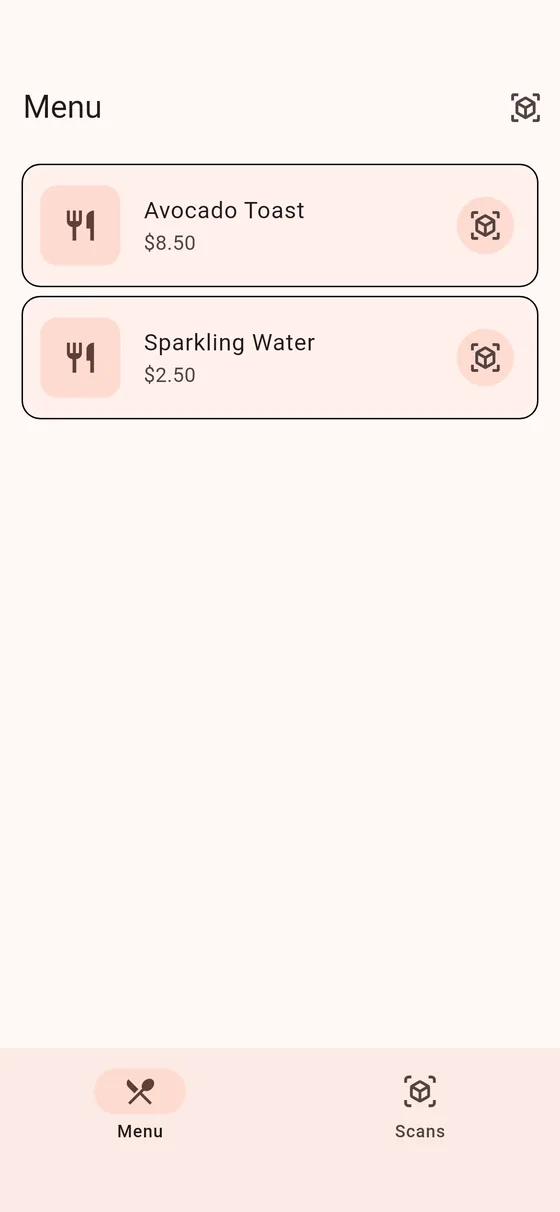
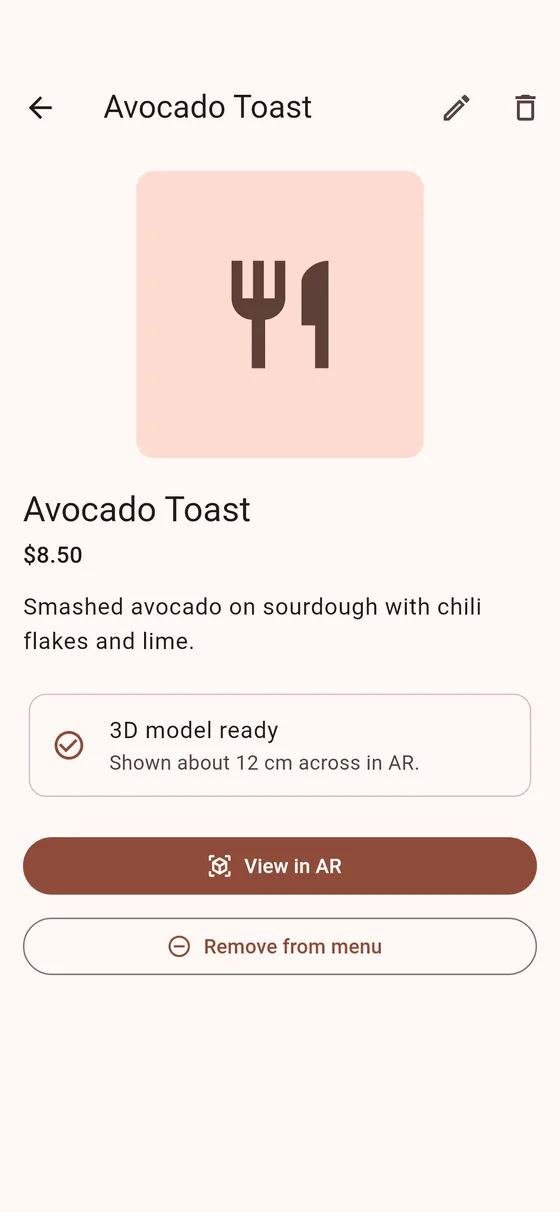
Browse dishes and place them as 3D models on your real table, side by side, then drag and rotate them. Photograph any object from all sides and it becomes a textured 3D model you can view in AR and add to the menu.
- Platforms
- Android, iOS
- Version
- 1.0.0
- Built with
- Flutter, ARCore / ARKit, camera, KIRI Engine photogrammetry
Try it
AR needs ARCore or ARKit on a phone, so it can't run in a browser.
What it does
- Place dishes on a real table at their true size
- Guided 3D scanning with auto-capture tips for each lap around the object
- Add scanned objects to the menu with a name, description and price
How it’s built
- Reads each GLB model's real-world size so it appears at the size you choose on both platforms
- Photos are turned into 3D models in the cloud, then cached on the device
- Models compressed from 8–9 MB to 0.2–0.4 MB to keep AR smooth